
 By izzrish izz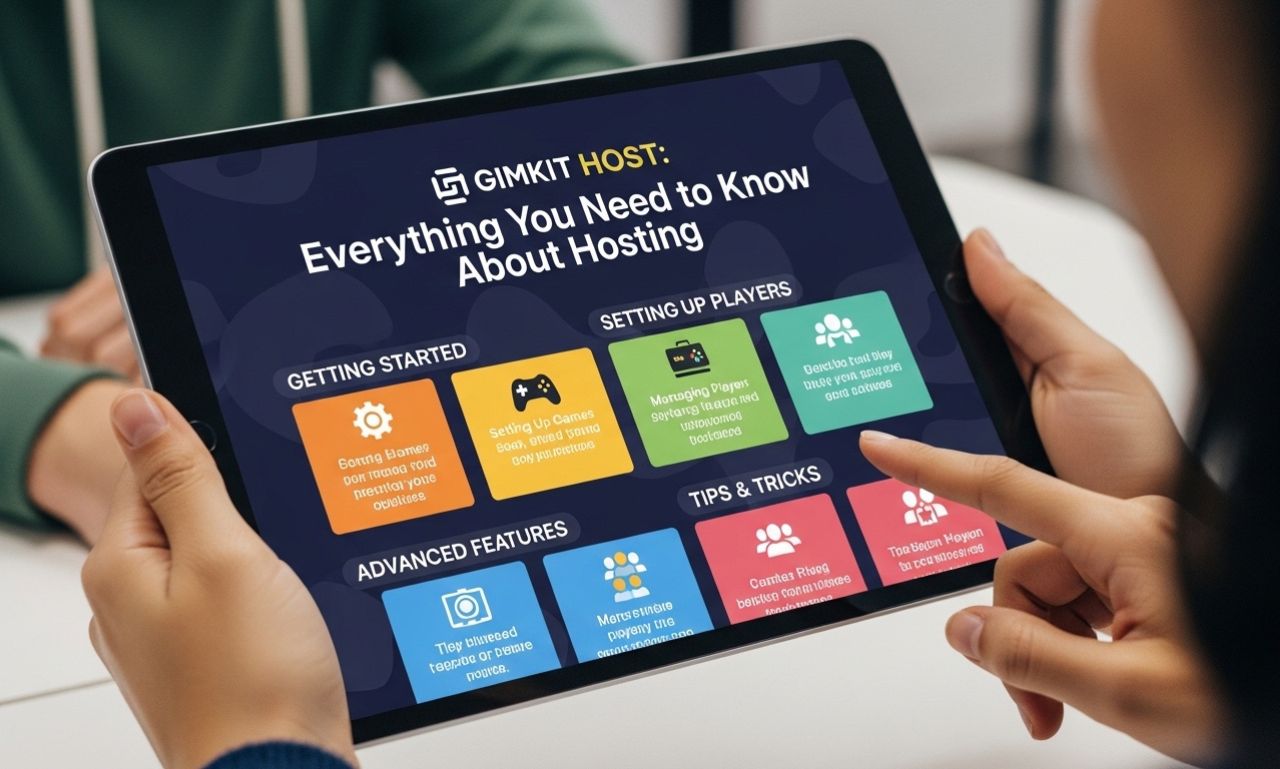
Gimkit Host is a role within the popular online learning platform Gimkit, designed to make classrooms more interactive, engaging, and fun. Teachers, educators, and even students can act as the host to create real-time quizzes, competitions, and educational games. With the rise of digital learning, the concept of a Gimkit host has become essential for fostering participation and motivation in online and hybrid classrooms.
This article explores what a Gimkit host is, its features, benefits, and how to get started.
What Is a Gimkit Host?
A Gimkit host is the person who creates and manages a Gimkit game session. As the host, you control the flow of the game, decide on the questions, and track participants’ progress in real time. The host can customize games to match classroom content, turning lessons into interactive competitions.
Gimkit itself is a game-based learning platform that allows participants to answer questions, earn virtual currency, and compete for high scores. The host ensures the session runs smoothly, making learning both fun and effective.
Key Responsibilities of a Gimkit Host
-
Creating Game Kits
The host selects or creates question sets, known as “kits,” tailored to the subject or lesson. These kits can cover topics from math and science to history and language arts. -
Managing Game Settings
Hosts control game modes, timer settings, and question difficulty. They can also enable special features like power-ups, teams, or speed rounds. -
Monitoring Participants
Hosts track student participation, scores, and engagement in real time. This helps identify areas where learners may need additional support. -
Facilitating Collaboration
In team-based games, the host encourages collaboration, competition, and interaction among students.
Features Available to a Gimkit Host
-
Customizable Kits: Hosts can create unique question sets or use pre-made kits from the Gimkit library.
-
Real-Time Updates: See scores, earnings, and progress live during the game.
-
Power-Ups and Boosts: Hosts can enable gameplay features that make the session more interactive.
-
Game Modes: Options include standard quizzes, team competitions, and survival modes.
-
Student Reports: Hosts can export data to track learning outcomes and performance metrics.
Benefits of Being a Gimkit Host
1. Increased Engagement
Students are more likely to participate actively when a host makes learning feel like a game.
2. Real-Time Feedback
The host can see instant results, allowing teachers to adjust instruction or provide clarification immediately.
3. Custom Learning Experience
Hosts can tailor questions and gameplay to suit different learning levels, ensuring that every student is challenged appropriately.
4. Encourages Healthy Competition
Gimkit’s game mechanics, such as earning virtual currency and ranking on leaderboards, motivate students to perform better while having fun.
5. Easy Integration with Lessons
Hosts can align Gimkit games with curriculum objectives, making learning interactive without disrupting lesson plans.
How to Become a Gimkit Host
-
Sign Up on Gimkit: Create a teacher or student account at Gimkit.com.
-
Create or Select a Kit: Choose a topic relevant to your lesson or audience.
-
Set Game Parameters: Decide on game mode, timer, and special features.
-
Launch the Game: Share the game code with participants so they can join.
-
Manage the Game: Monitor scores, encourage participation, and adjust settings as needed.
Tips for Effective Hosting
-
Prepare Ahead: Ensure your question kits are ready before the session.
-
Engage Participants: Encourage discussion, hints, and teamwork during gameplay.
-
Use Analytics: Review post-game reports to identify strengths and weaknesses.
-
Mix Game Modes: Switching between modes keeps sessions dynamic and interesting.
Why Gimkit Host Matters in Education
In today’s digital learning environment, keeping students engaged can be challenging. The Gimkit host plays a crucial role in transforming traditional lessons into interactive experiences. By gamifying learning, hosts help students retain information better, encourage participation, and make the learning process enjoyable.
Whether in a virtual classroom, hybrid setting, or in-person environment, being a Gimkit host empowers educators to create interactive, student-centered lessons.
Conclusion
The Gimkit host is an essential part of modern educational gamification. By managing games, engaging participants, and customizing content, hosts bring lessons to life. For educators and students alike, Gimkit offers an exciting way to make learning fun, interactive, and effective.