
 By abdul aziz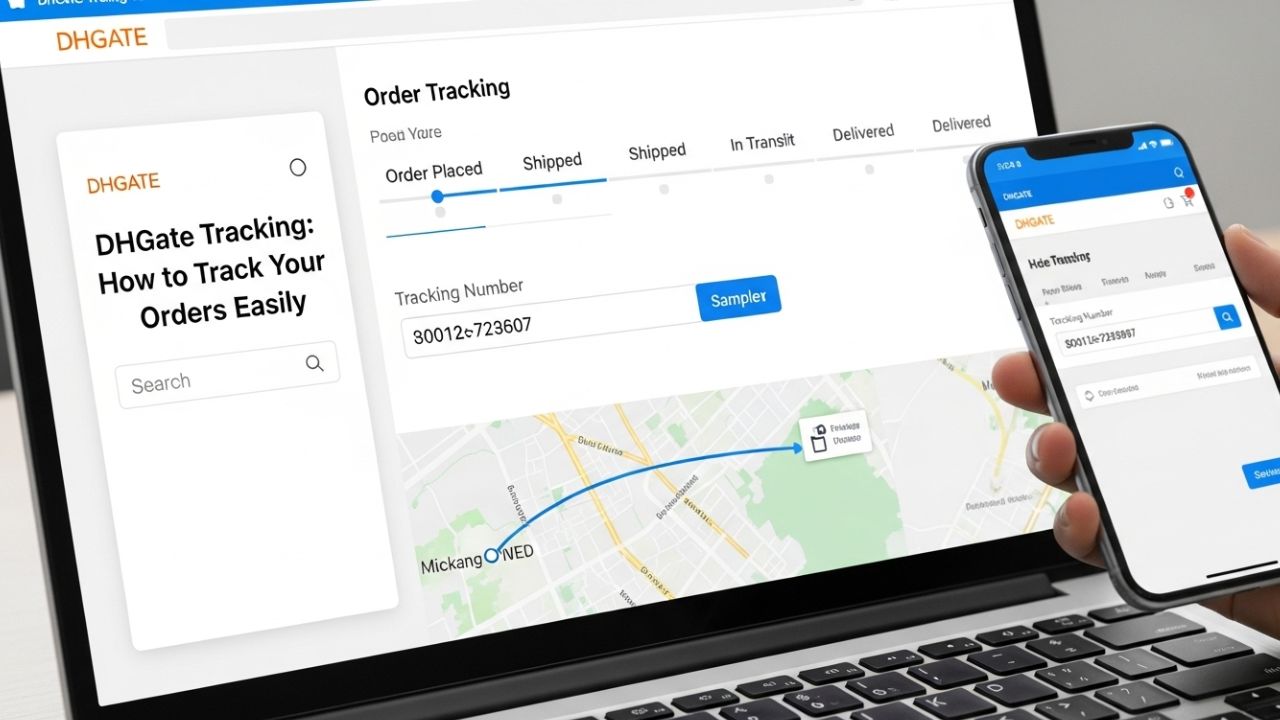
Shopping on DHGate, one of the largest online wholesale marketplaces, is convenient and affordable. But once you place an order, knowing how to track your shipment is crucial to ensure your products arrive safely and on time. This article explains everything about DHGate tracking, how to check your order status, and tips to stay updated throughout the delivery process.
What Is DHGate Tracking?
DHGate tracking refers to the system that allows buyers to monitor the status and location of their shipments. Once a seller ships your order, you receive a tracking number that lets you see updates from the moment your package leaves the warehouse until it arrives at your doorstep.
Tracking helps:
- Confirm that the order has been shipped
- Estimate delivery time
- Identify any delays or issues during transit
How to Track Your DHGate Order
Tracking your DHGate order is straightforward. Here’s a step-by-step guide:
Step 1: Log in to Your DHGate Account
Go to DHGate.com and log in with your account credentials.
Step 2: Go to “My Orders”
Navigate to “My Orders” in your account dashboard. Here, you’ll see a list of all your purchases.
Step 3: Find the Tracking Number
Select the order you want to track. The tracking number will usually be listed along with shipping details.
Step 4: Click “Track” or Use the Carrier’s Website
- Some orders allow direct tracking on DHGate by clicking “Track Order”.
- For more detailed updates, copy the tracking number and check the carrier’s website (e.g., USPS, DHL, FedEx, China Post, or other courier services).
Understanding Your Tracking Status
Shipping updates may include:
- Order Shipped: The seller has dispatched your package.
- In Transit: Your order is moving through the shipping network.
- Customs Clearance: The package is being processed by customs (if international).
- Out for Delivery: The courier is delivering your package.
- Delivered: Your order has reached the delivery address.
Keep in mind that international orders may take longer due to customs and local postal services.
Tracking International Orders
Most DHGate orders are shipped from China. For international shipments:
- Tracking may be updated less frequently than domestic shipments.
- China Post and other international couriers often take 10–30 days for delivery.
- Once the package reaches your country, your local postal service may update tracking separately.
Tips for Accurate DHGate Tracking
- Check Tracking Regularly: Track your order at least once every few days to stay informed.
- Use the Correct Carrier Website: For detailed information, check the official courier’s site using your tracking number.
- Allow Time for Updates: International shipments may have delayed tracking updates.
- Contact the Seller if Needed: If your order shows no updates for an extended period, reach out to the seller for clarification.
- Monitor Customs Notices: If your package is held at customs, follow instructions to avoid additional delays.
What to Do if Your DHGate Tracking Is Not Working
If tracking isn’t updating or seems incorrect:
- Confirm you entered the tracking number correctly
- Wait 1–3 days; sometimes new shipments take time to reflect
- Contact DHGate customer support or the seller for clarification
- Check with the courier service directly for updated information
Most issues are resolved by allowing some time or verifying details with the seller.
Conclusion
DHGate tracking is an essential tool to keep your shopping experience smooth and transparent. By using the tracking number provided, checking courier updates, and understanding international shipping nuances, you can ensure your order arrives safely and on schedule. Always remember to stay in touch with the seller if any issues arise, and use official tracking websites for the most accurate information.