
 By izzrish izz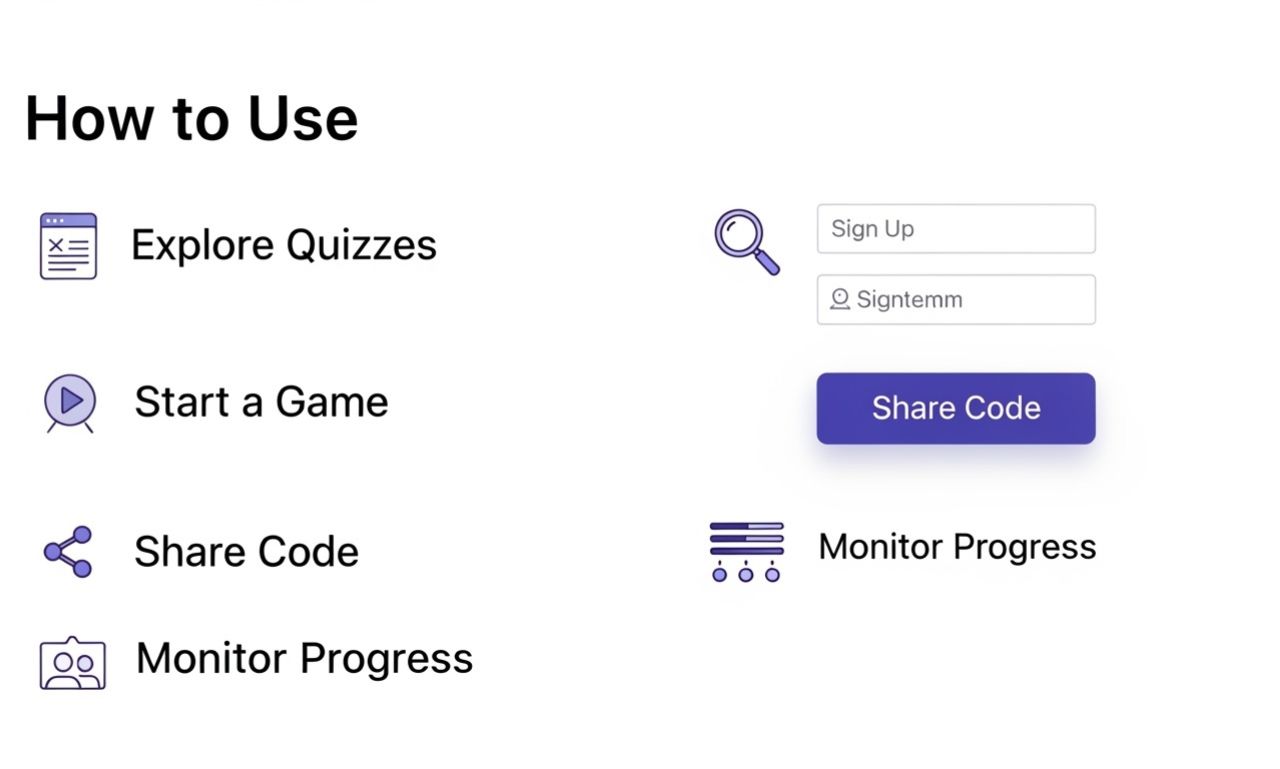
In the world of online learning, interactive tools have transformed the way students and educators engage with content. One such popular platform is Quizizz, and the term “Quizizz Time” has recently gained attention among students, teachers, and online learners.
This article provides a comprehensive overview of Quizizz Time, including its meaning, features, uses, and tips for safe and effective use.
What is Quizizz Time?
Quizizz Time refers to the scheduled or ongoing use of the Quizizz platform for quizzes, games, or learning sessions. Quizizz itself is an online learning platform that allows educators to create interactive quizzes and gamified lessons.
“Quizizz Time” is commonly mentioned in contexts such as:
- Classroom learning sessions
- Homework assignments
- Online competitions
- Study or revision periods
Key Features of Quizizz
1. Interactive Quizzes
Quizizz provides multiple-choice, fill-in-the-blank, and poll-style questions that make learning engaging and fun.
2. Gamified Learning
- Points, leaderboards, and badges motivate students.
- Timers and challenges encourage quick thinking.
3. Real-Time Feedback
- Immediate grading helps students understand mistakes.
- Teachers can monitor class performance instantly.
4. Customizable Content
Educators can create their own quizzes or use thousands of pre-made quizzes available on the platform.
5. Multi-Platform Access
- Works on desktops, tablets, and smartphones
- Can be integrated with Google Classroom, Microsoft Teams, and other LMS
How to Use Quizizz Time
Step 1: Create or Join a Quiz
- Teachers create a quiz and share a game code with students.
- Students enter the code to join the session.
Step 2: Start the Quiz
- Students answer questions in real-time.
- Points are awarded based on accuracy and speed.
Step 3: Track Progress
- Teachers view live reports of student performance.
- Students receive instant feedback after each question.
Step 4: Review Results
- Teachers can export results for grading or analysis.
- Students can review their mistakes for better learning.
Advantages of Quizizz Time
- Engaging and Fun: Gamified quizzes make learning interactive.
- Flexible Learning: Can be used for in-class or remote learning.
- Instant Feedback: Helps improve understanding and retention.
- Accessible Anywhere: Works on multiple devices and platforms.
Disadvantages
- Internet Dependency: Requires a stable connection.
- Limited Free Features: Some advanced features require a paid subscription.
- Distraction Risk: Students may get distracted if not monitored.
Safety and Privacy
Quizizz is generally safe for students and teachers. However, it’s important to:
- Avoid sharing personal information publicly
- Use school-managed accounts for privacy
- Ensure students access the official website (quizizz.com)
Who Should Use Quizizz Time?
- Teachers – to create interactive lessons and quizzes
- Students – for studying, revision, and self-assessment
- Homeschoolers – to make learning engaging
- Corporate Trainers – for gamified training sessions
Future Potential
As online learning grows, Quizizz Time could expand in areas like:
- AI-generated quizzes and personalized learning paths
- Integration with more LMS platforms
- Enhanced gamification and analytics
Final Verdict
Quizizz Time is a powerful, engaging, and interactive learning tool. It enhances classroom participation, encourages gamified learning, and provides instant feedback, making it an essential tool for modern education.
⭐ Overall Rating:
- Usefulness: High
- Engagement: Very High
- Ease of Use: High
Conclusion
Quizizz Time highlights the shift toward interactive and gamified learning. Whether in classrooms or remote learning environments, it provides students and teachers with a fun and effective way to learn, practice, and assess knowledge.